How to Fix the Amazon Fire TV Black Screen of Death
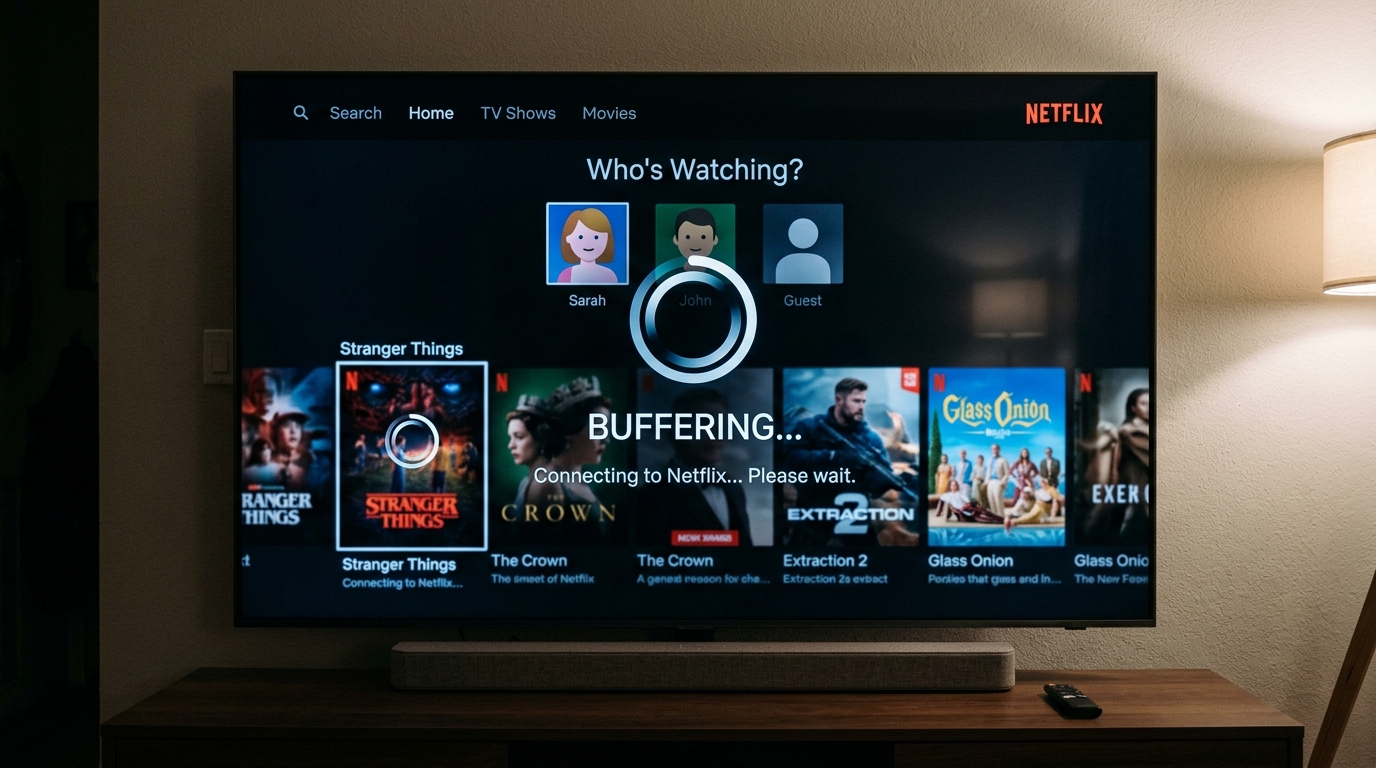
You sit down, turn on your television, switch the input to your Amazon Fire Stick, and... nothing. Just a completely black screen. The "Black Screen of Death" is a known issue with Fire TV devices, but thankfully, it is rarely permanent.
It is usually caused by a handshake issue between the TV and the Fire Stick, a power supply problem, or a software glitch. Here is a comprehensive guide to fixing it.
Step 1: The 10-Minute Wait
Before doing anything drastic, simply leave the Fire Stick plugged in and turned on for 10 minutes. Sometimes, the Fire Stick is installing a major software update in the background, and interrupting it can cause damage. If the screen is still black after 10 minutes, proceed to Step 2.
Step 2: Restart the Fire Stick Using the Remote
Even if the screen is black, the Fire Stick might still be listening to your remote. You can force a restart using a specific button combination.
- On your Fire TV remote, press and hold the Select button (the large round button in the center) and the Play/Pause button at the exact same time.
- Hold both buttons for about 10 seconds.
- The Fire Stick should force a reboot, and you will see the Amazon logo appear on the screen.
Step 3: Check the Power Supply
Fire Sticks require a specific amount of power to run correctly.
- Do not plug the USB cable directly into the TV. Many modern TVs have USB ports, but they rarely output enough electricity to fully power a Fire Stick, leading to boot loops and black screens.
- Always use the power adapter that came in the box and plug it directly into a wall outlet or power strip.
- If you are already doing this, try swapping the USB cord or the power block for another one you have lying around (like a phone charger) to see if the cable is faulty.
Step 4: Cycle the HDMI Ports
The "handshake" between your TV and the Fire Stick can sometimes fail, resulting in no video signal.
- Unplug the Fire Stick from the TV's HDMI port.
- Turn off the TV.
- Turn the TV back on.
- Plug the Fire Stick into a different HDMI port on the TV.
- Use your TV remote to change the input to match the new port (e.g., HDMI 2 instead of HDMI 1).
If you have tried all of these steps and the screen remains completely black (and you know the TV itself is working because you can see other menus), your Fire Stick may have suffered a hardware failure and will need to be replaced.