How to Fix Disney+ Device Compatibility Issues
Sometimes when trying to watch Disney+, you might get a message stating that your device is incompatible, or the app simply refuses to load the video. This usually happens when your device's software is out of date or the app needs a refresh.
Here is how you can resolve it.
1. Update Your Device Software
The most common reason for compatibility issues is outdated software.
- On a Smart TV: Go to your TV's Settings > Support or System > Software Update.
- On a Roku: Go to Settings > System > System Update.
- On a Fire TV: Go to Settings > My Fire TV > About > Check for Updates.
2. Reinstall the Disney+ App
If your device is fully updated but the app still isn't working, the app itself might have a glitch.
- Delete the Disney+ app from your device.
- Restart your device.
- Download the Disney+ app again from the app store.
3. Check Your Internet Connection
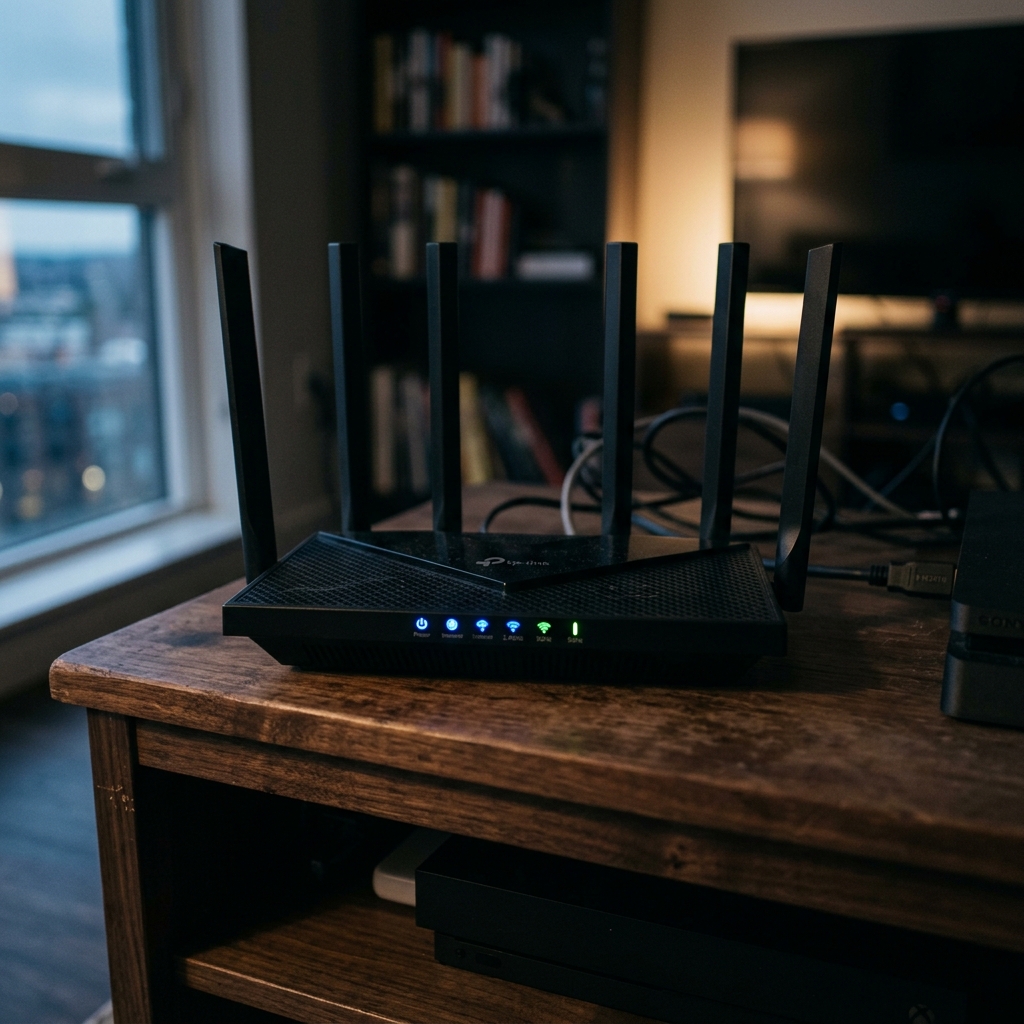
A weak Wi-Fi signal can sometimes masquerade as a compatibility problem. Ensure your device is close enough to your router, or try restarting your home Wi-Fi router.